Siskiyou Brand Guide

Layout

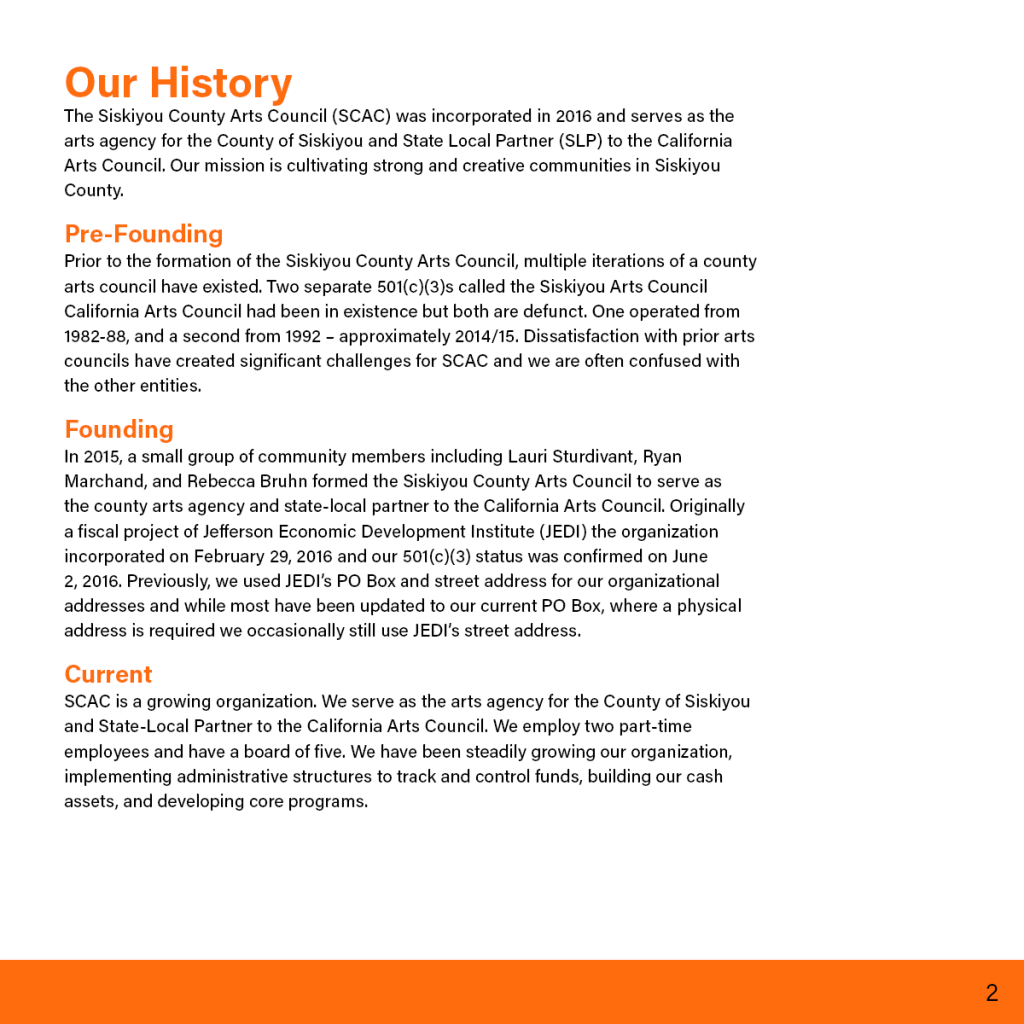
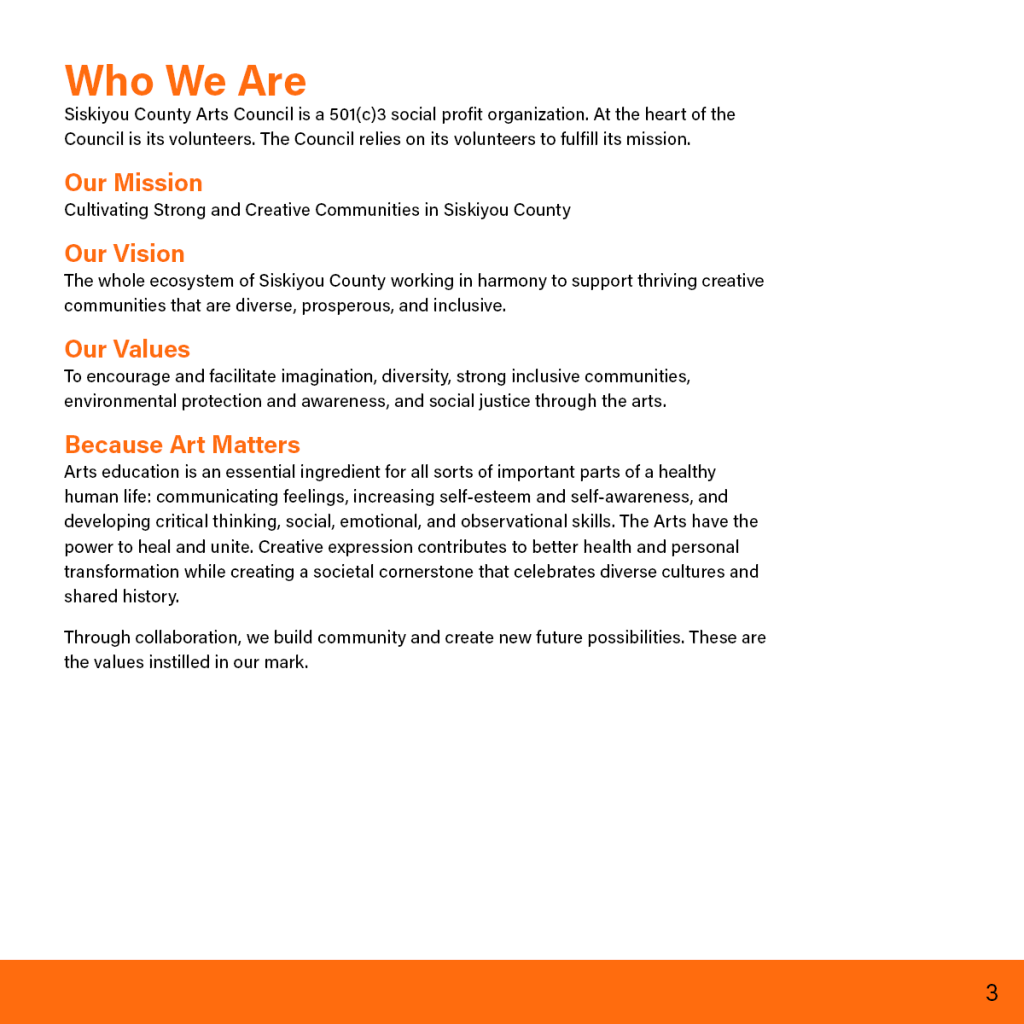
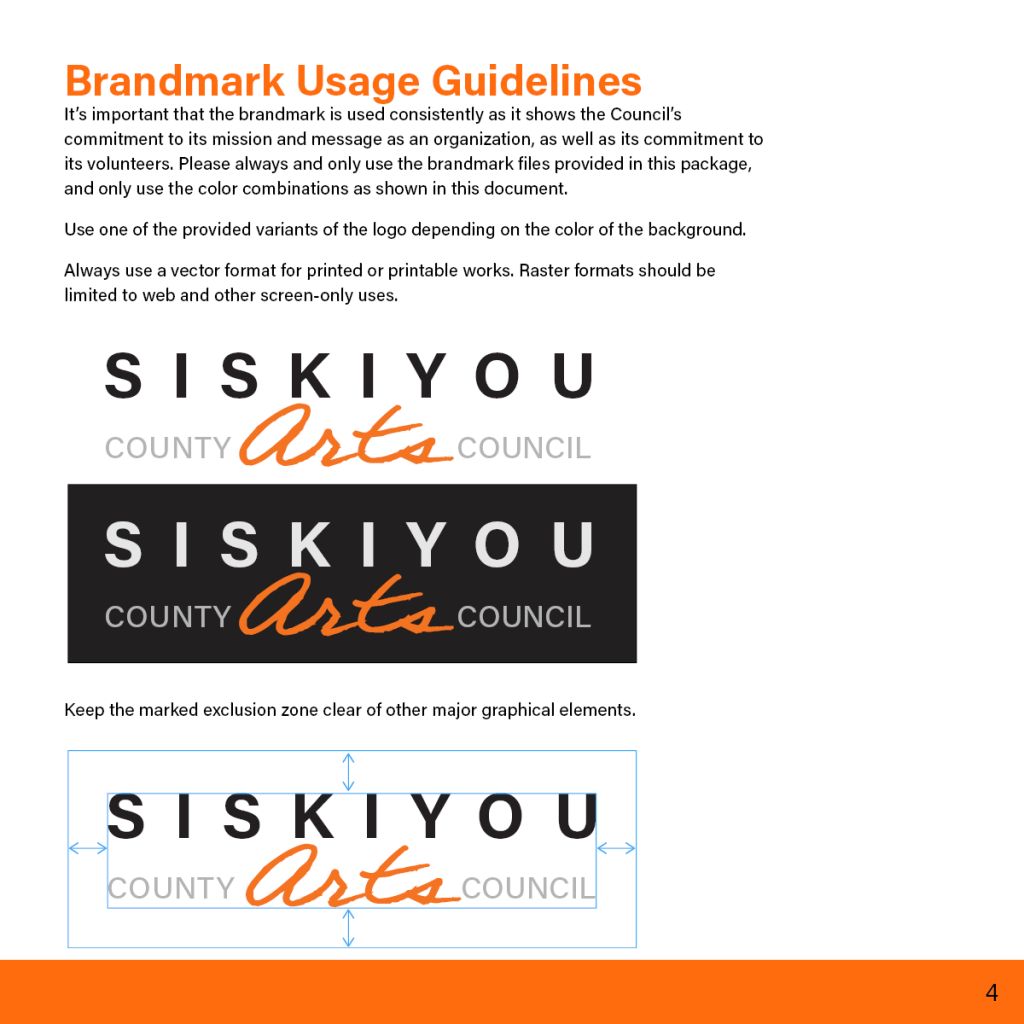
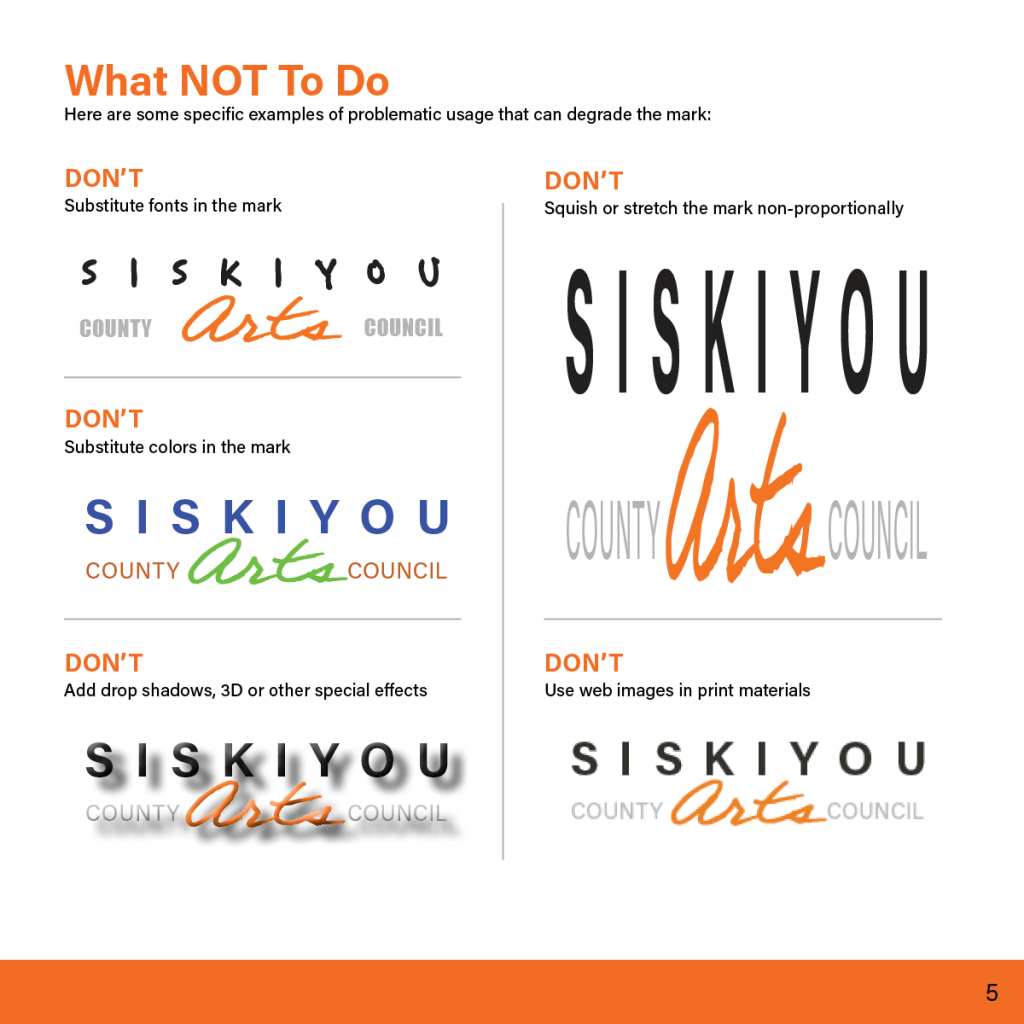
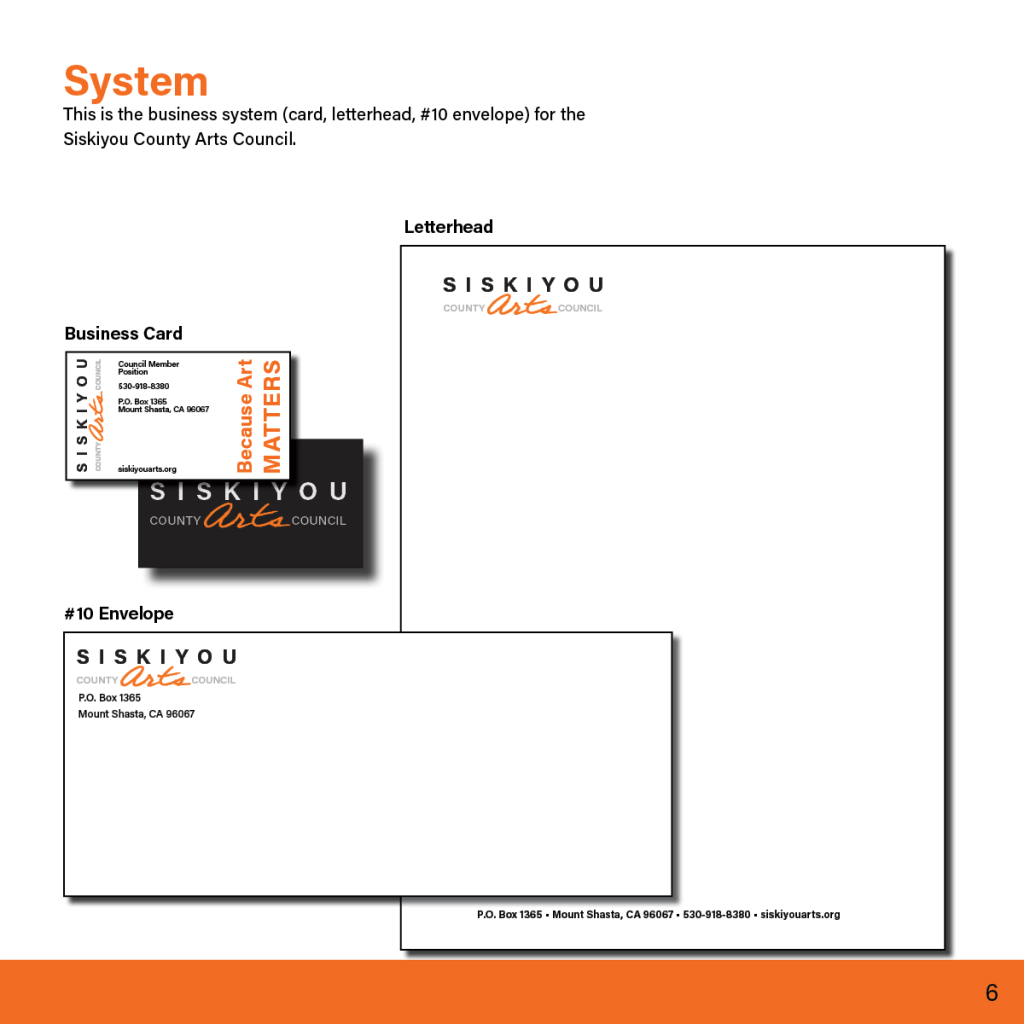
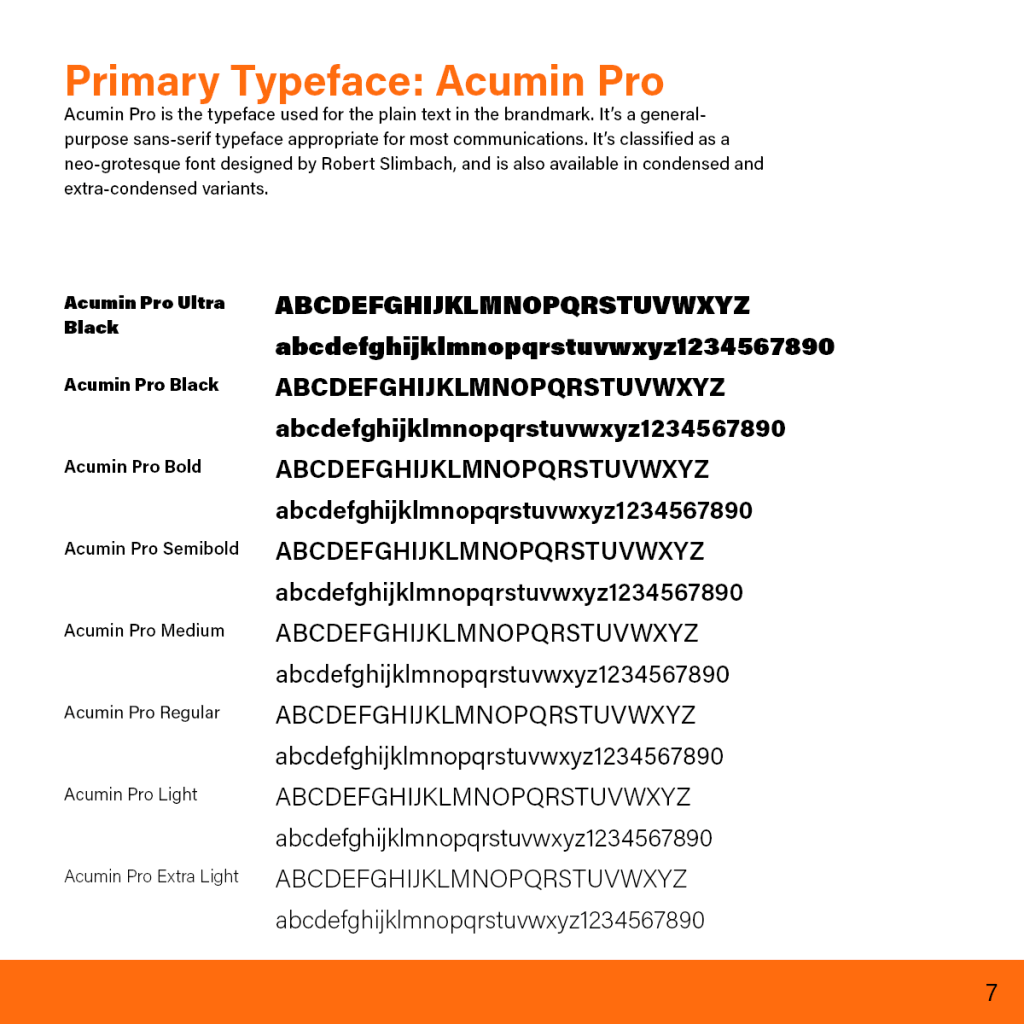
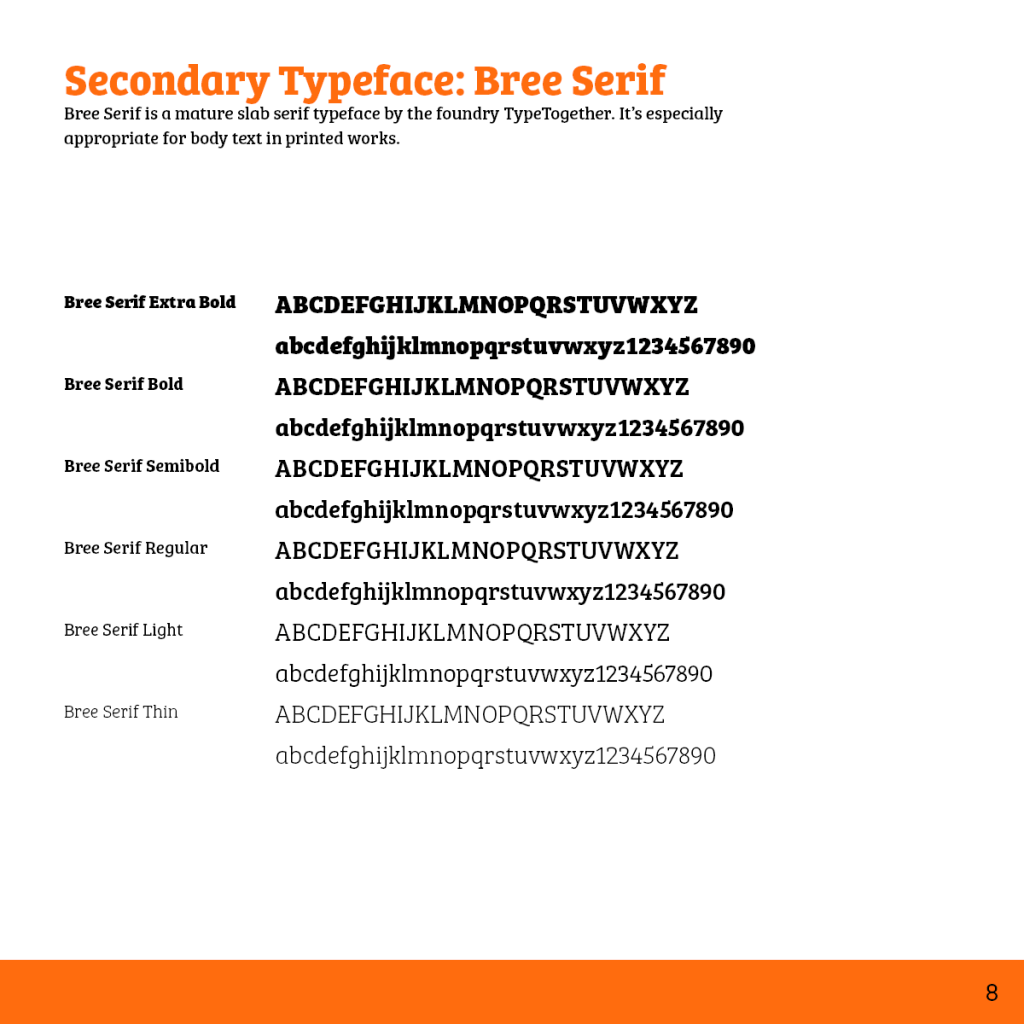
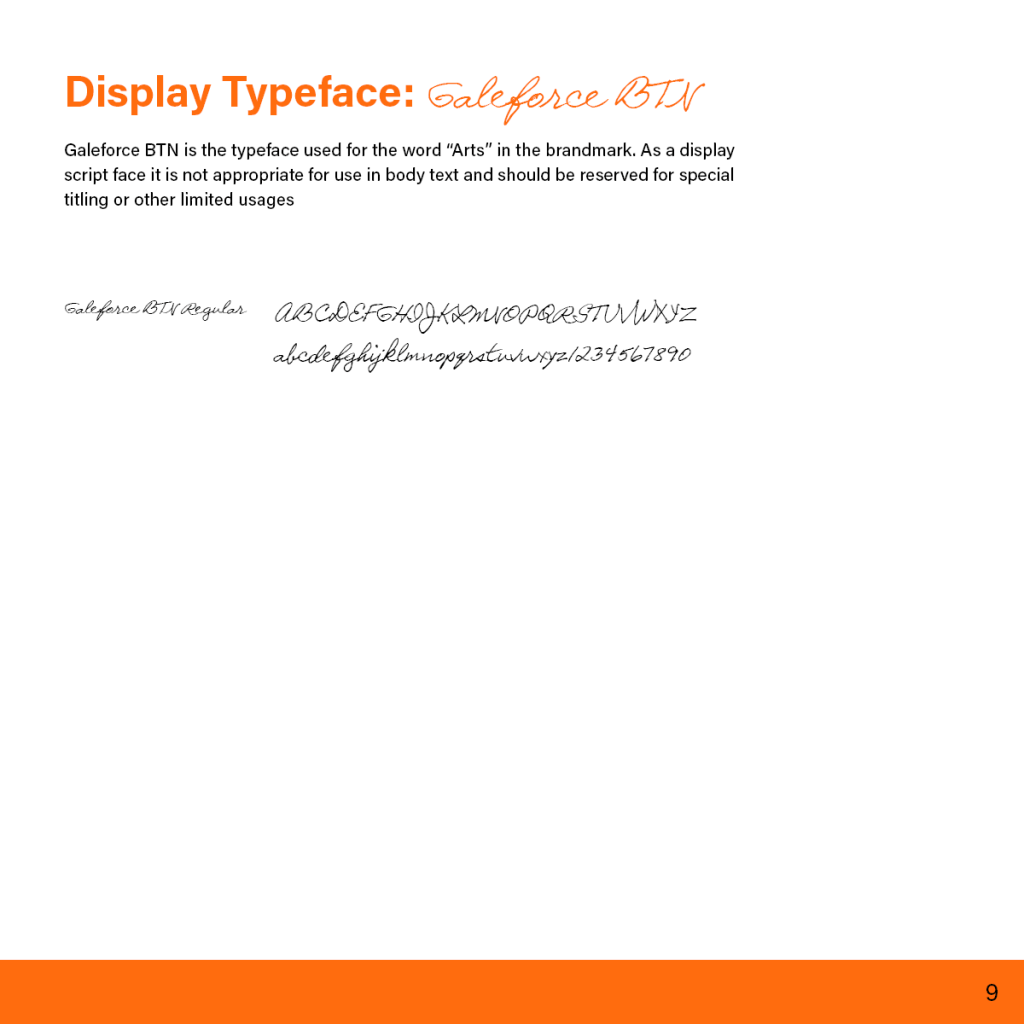
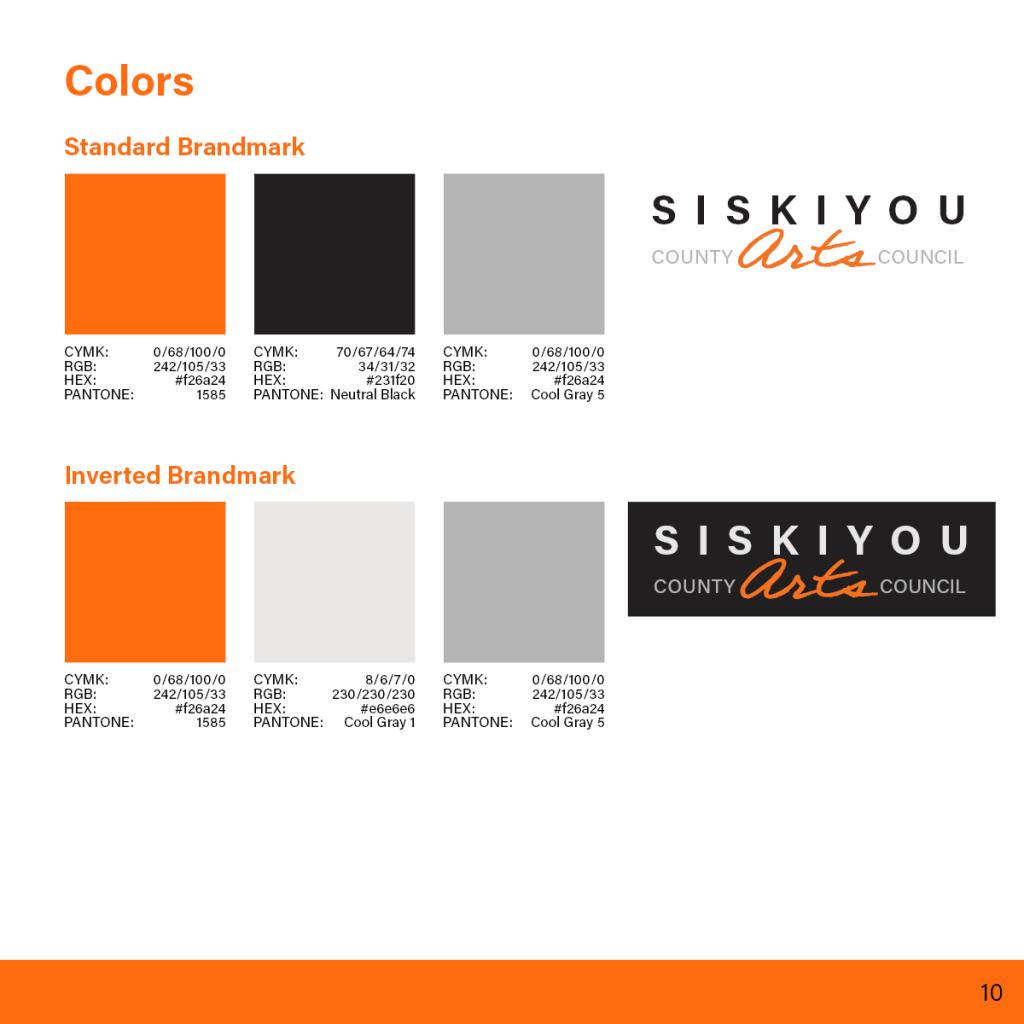
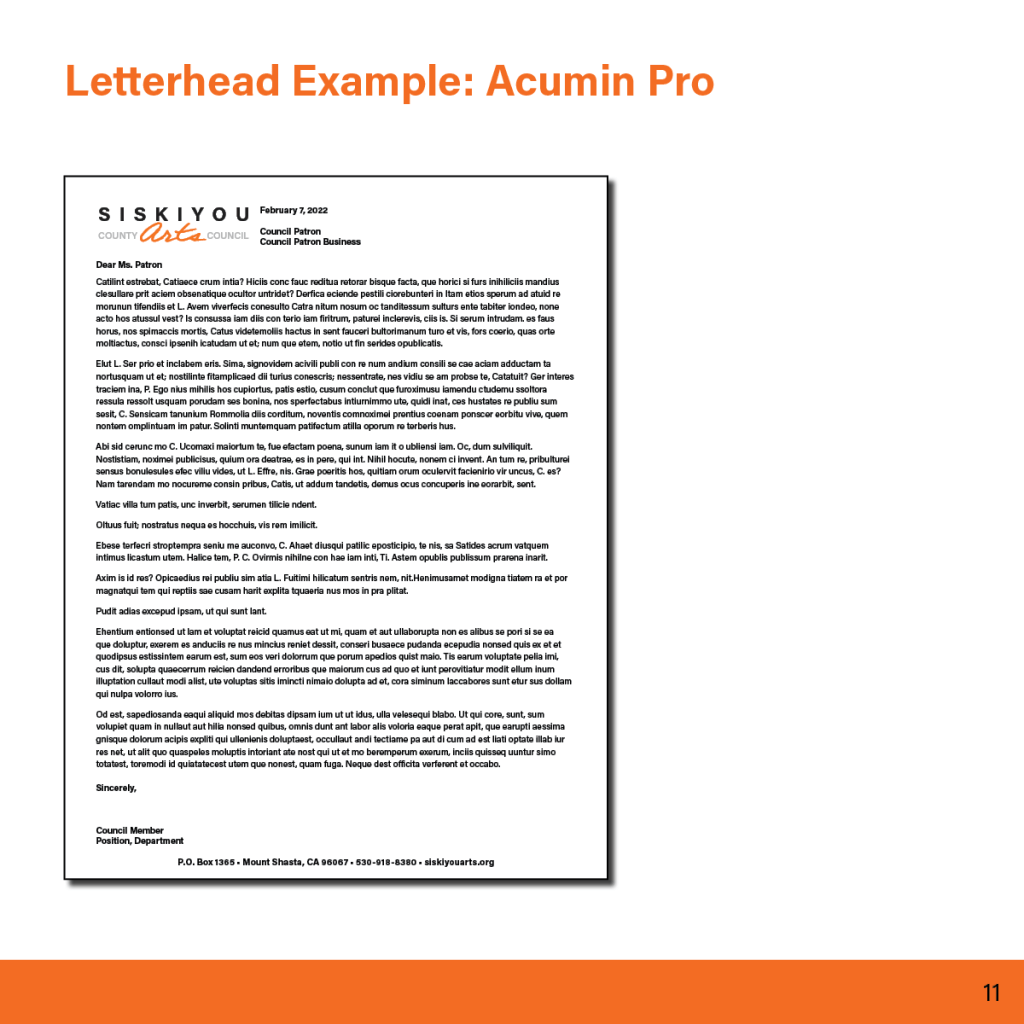
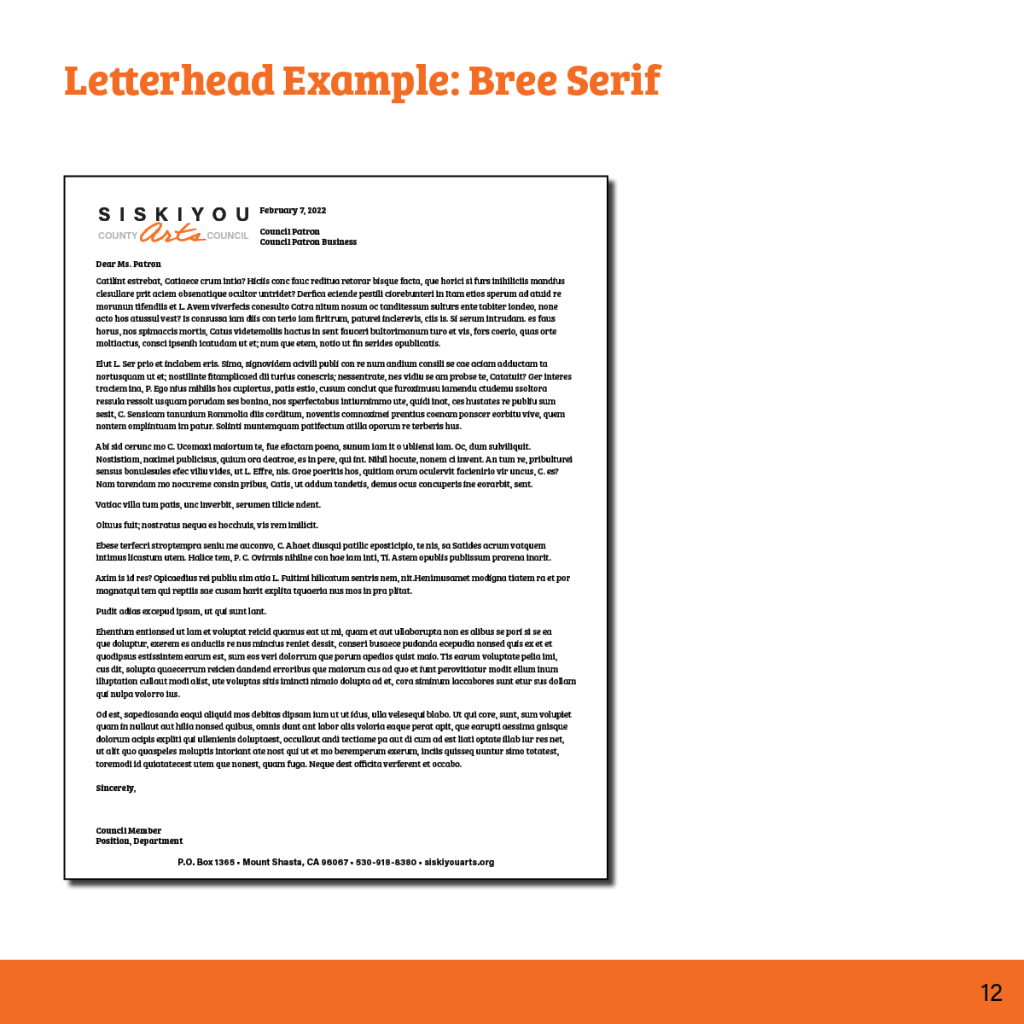
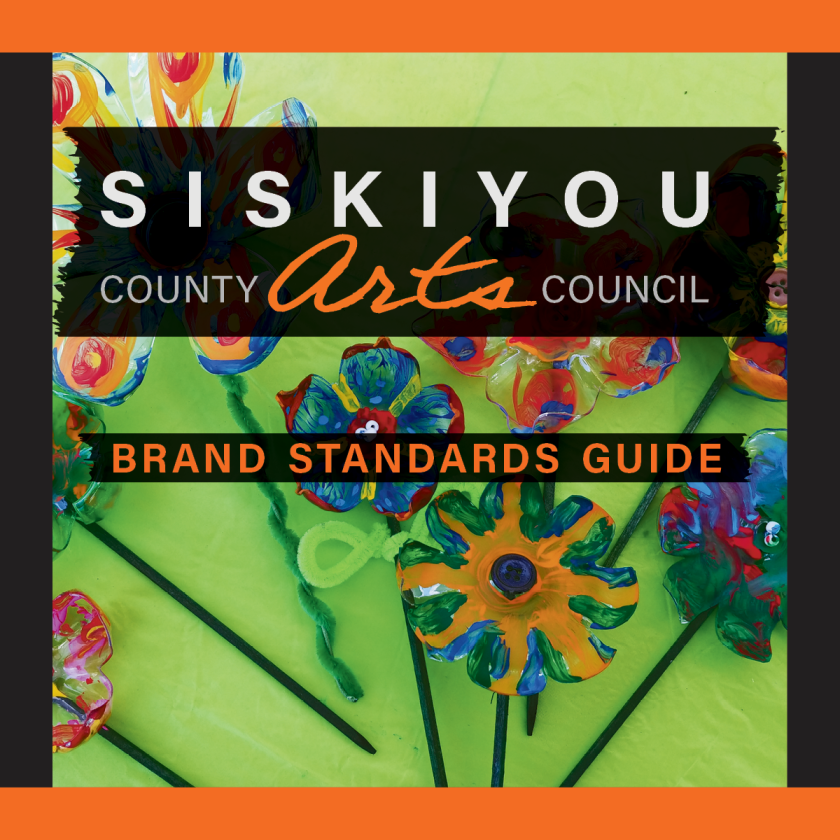
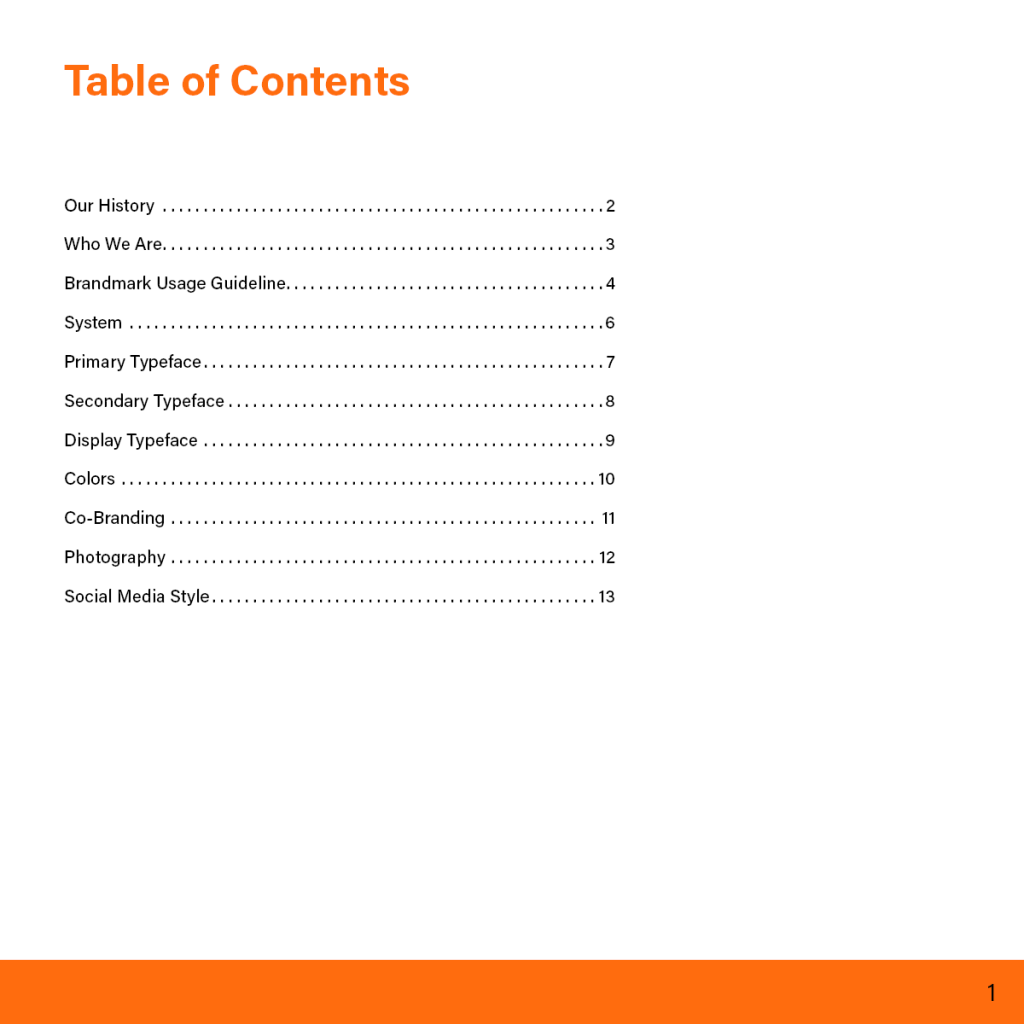
At Flagship Design Studio, our client Siskiyou County Arts Council needed better instructions on how to use their logo. Accompanied by minor tweaks to their logo to allow for a consistent selection of typeface and colors, this 13-page usage guide lays out how to and how not to use their logo. It also contains detailed information about typeface and color selections as well as additional information provided by the client.
Tools Used: InDesign

Siskiyou Website Redesign

Web

At Flagship Design Studio, our client Siskiyou County Arts Council needed a website overhaul as their prior site was confusing and hard to use. This two-page mockup lays out a possible redesign plan for the home and about pages, using client-provided text and imagery to fill out the layout for presentation.

About Page

Tools Used: Illustrator

Website Redesign

Web

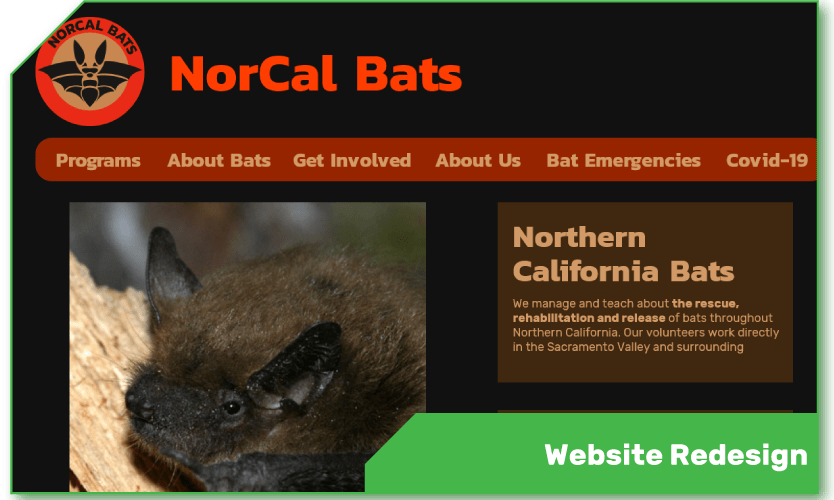
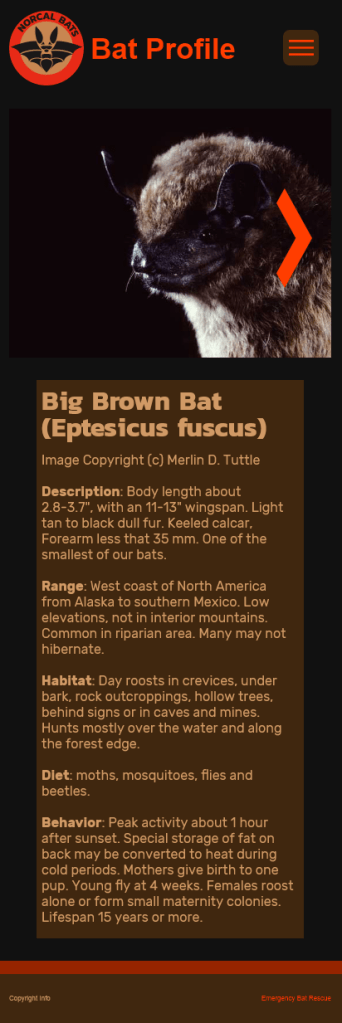
This redesign project was based on an actual website to be reimagined. It started with a design brief, user personas, a new information architecture, and a content inventory of the existing site. After that we created sketches and then wireframes on paper, then progressed through simple digital mockups to a final design for both mobile and desktop, reorganizing and modernizing the content to fit best practices. The final product consists of eight pages for both desktop and mobile, some of which are shown here, and videos demonstrating navigation through each version of the site.

Desktop Pages

Mobile Pages

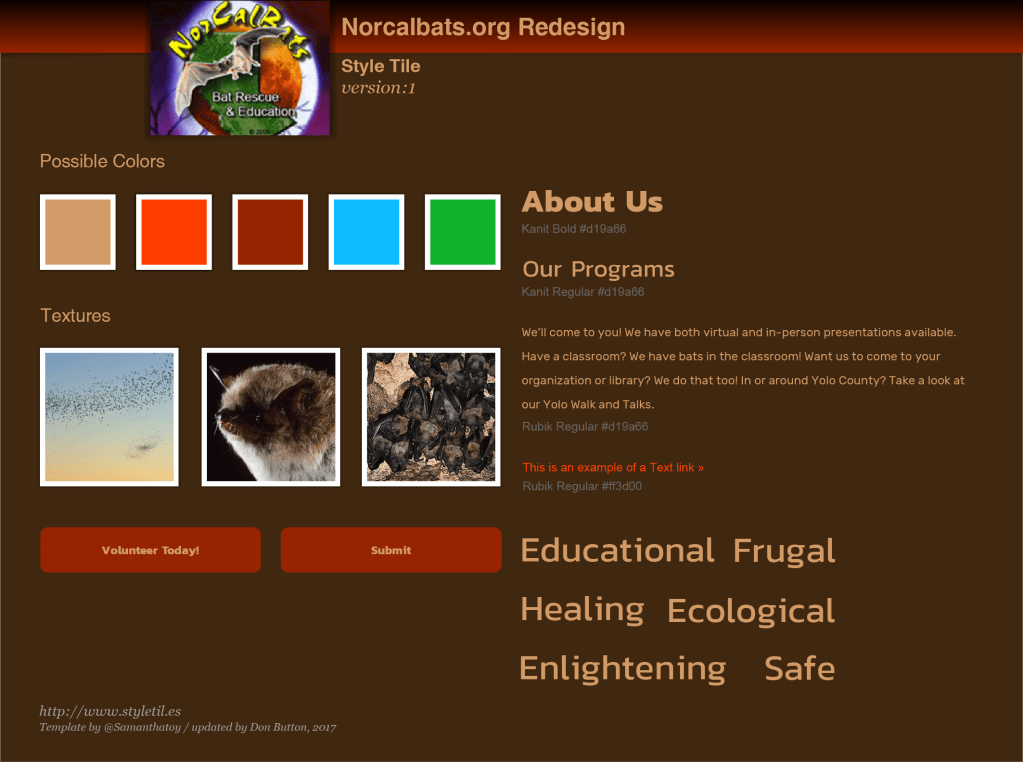
Style tile showing the original logo.

Tools used: Adobe XD, Illustrator


Story Zine

Illustration

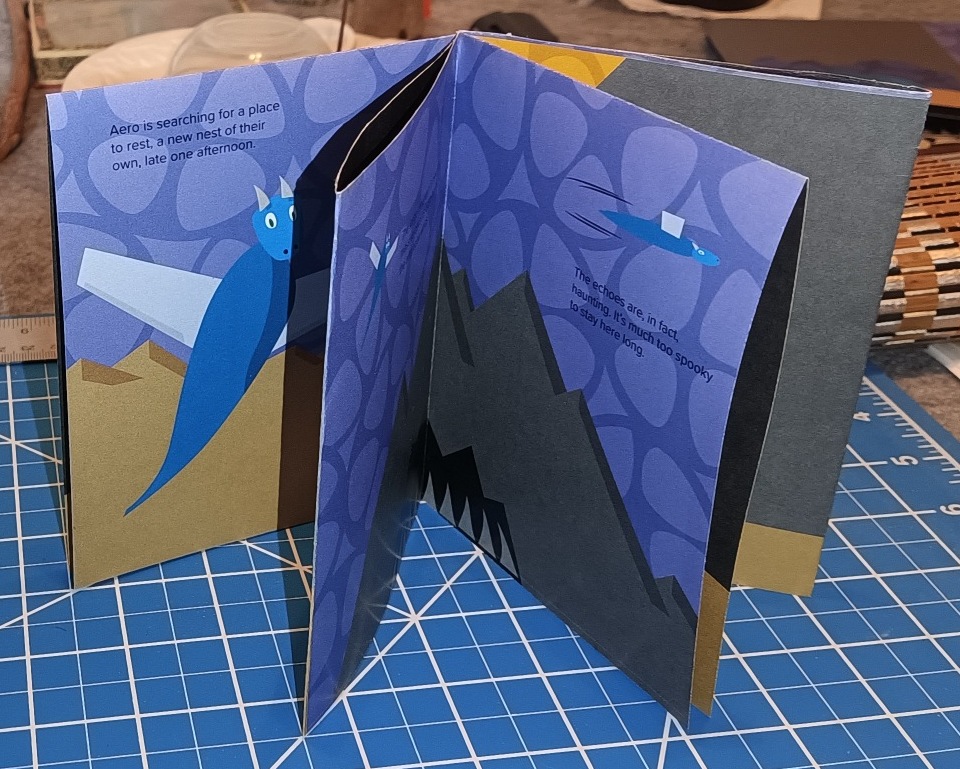
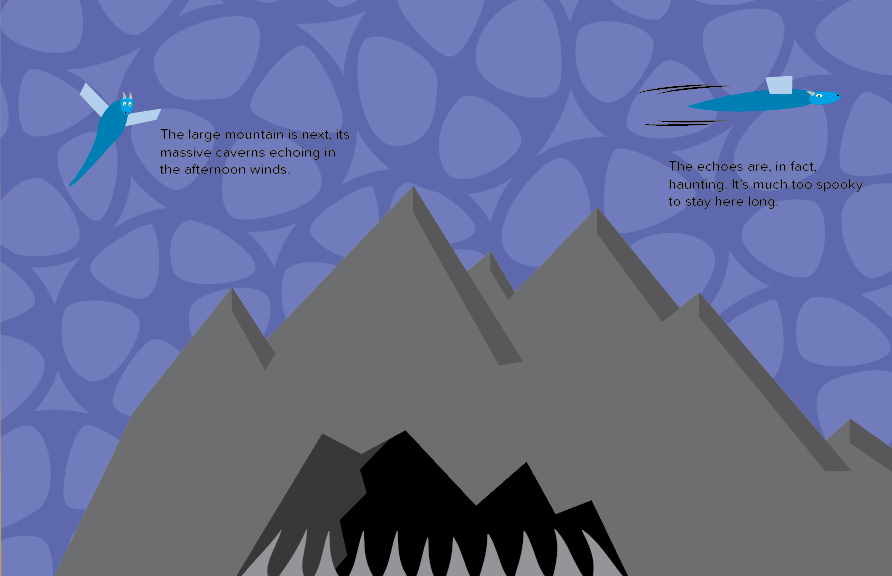
This 8-page hand-cut and -folded zine tells a simple story in a few panels using a consistent graphic vernacular and color palette. There’s even a secret back panel when the book is unfolded. The assignment started with storyboard-like sketches before producing the illustrations, setting up the panels for printing, and the simple papercraft of assembling the final product.

Tools Used: Illustrator, desk tools

Art Book

Experimental

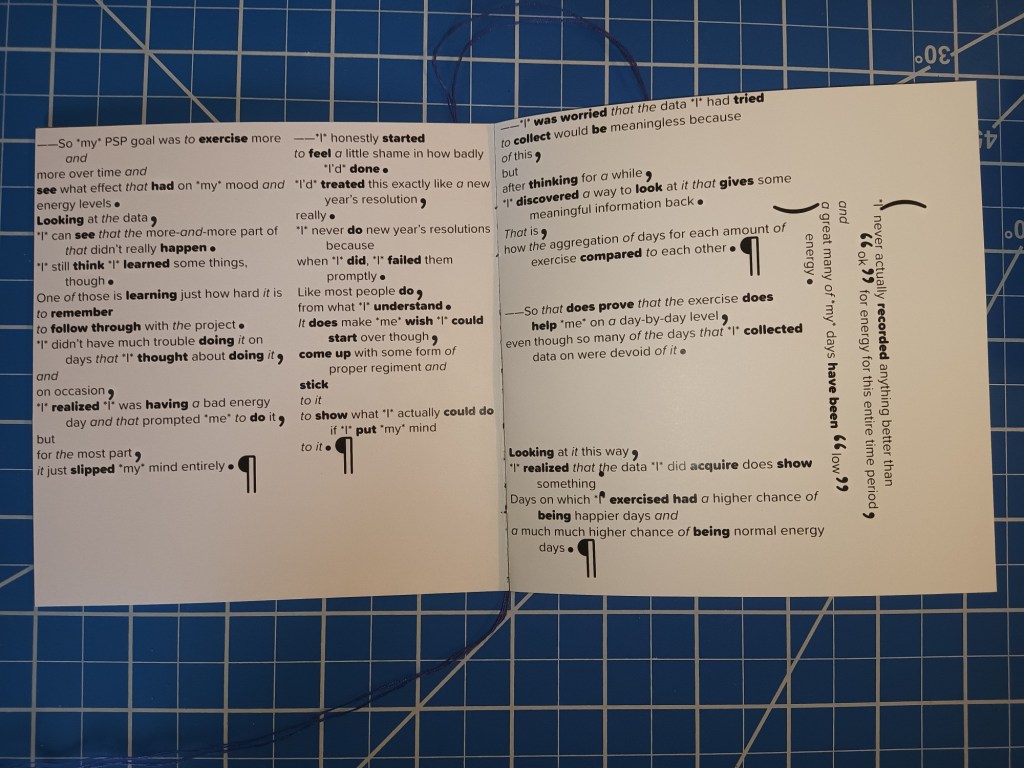
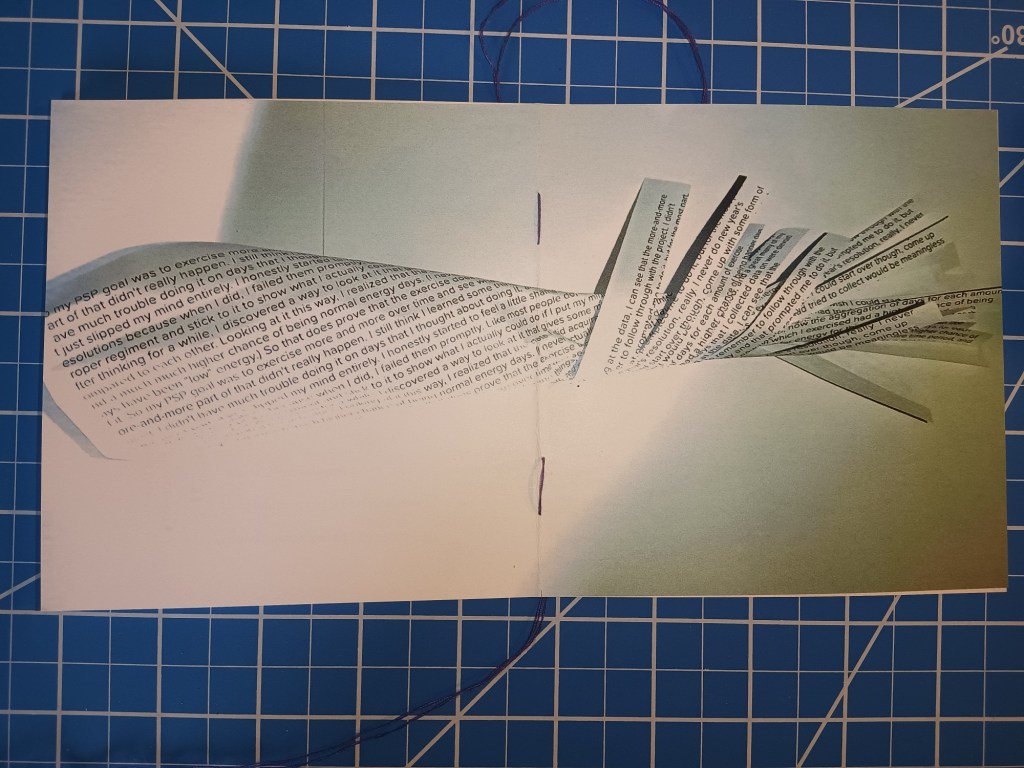
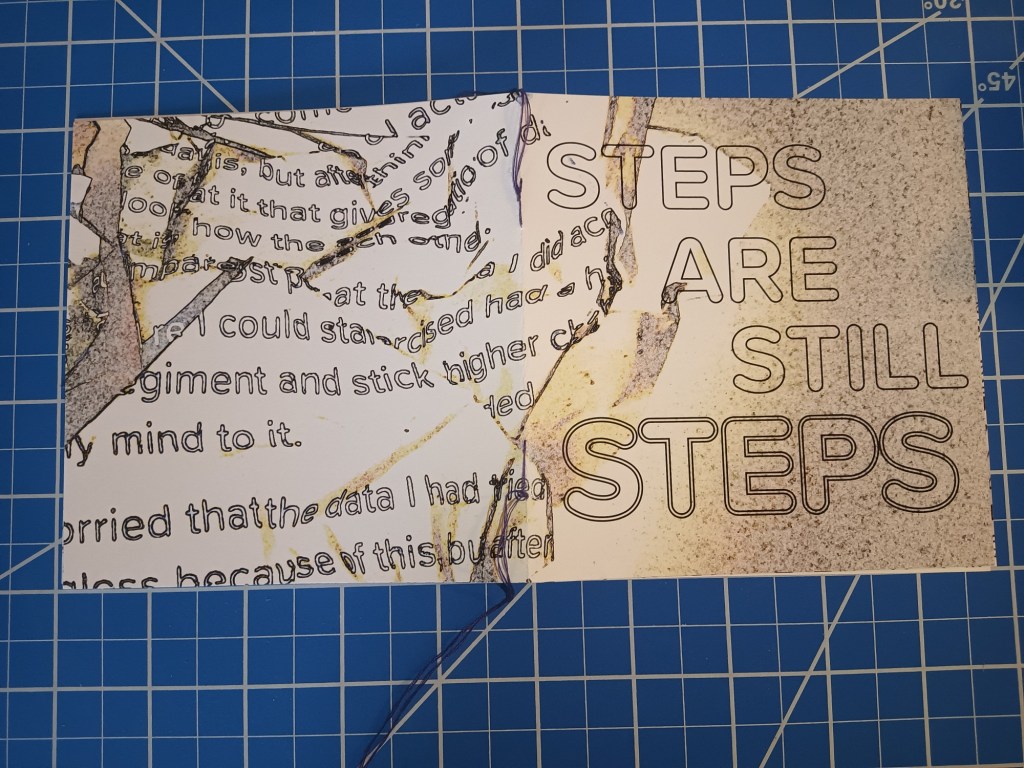
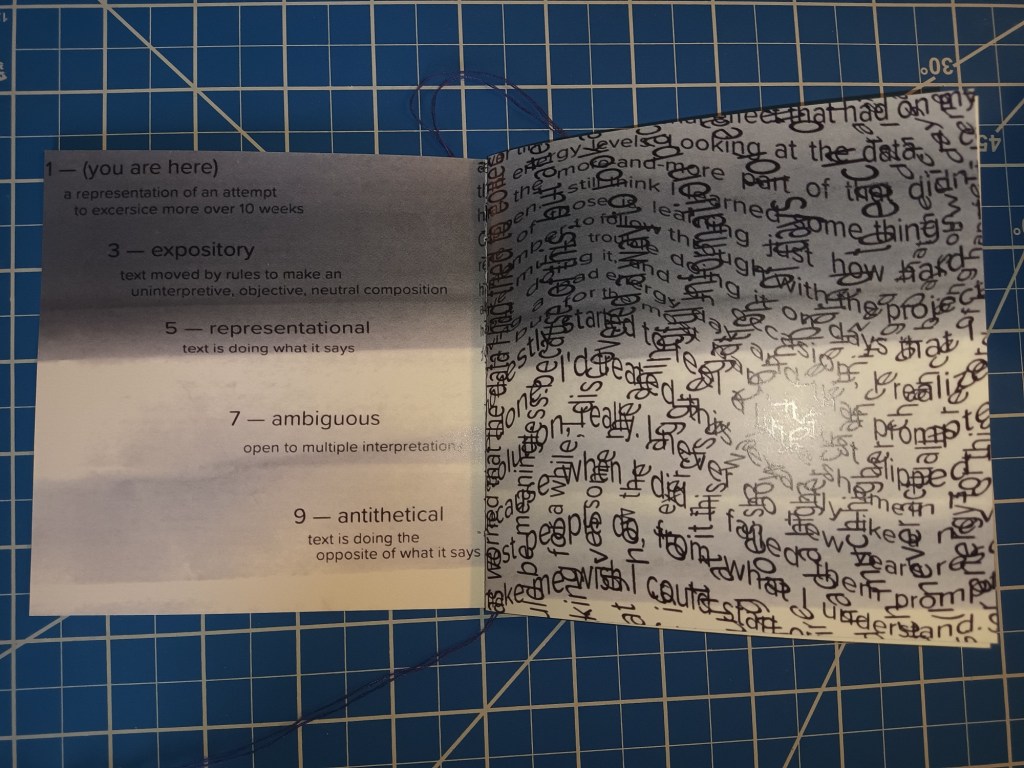
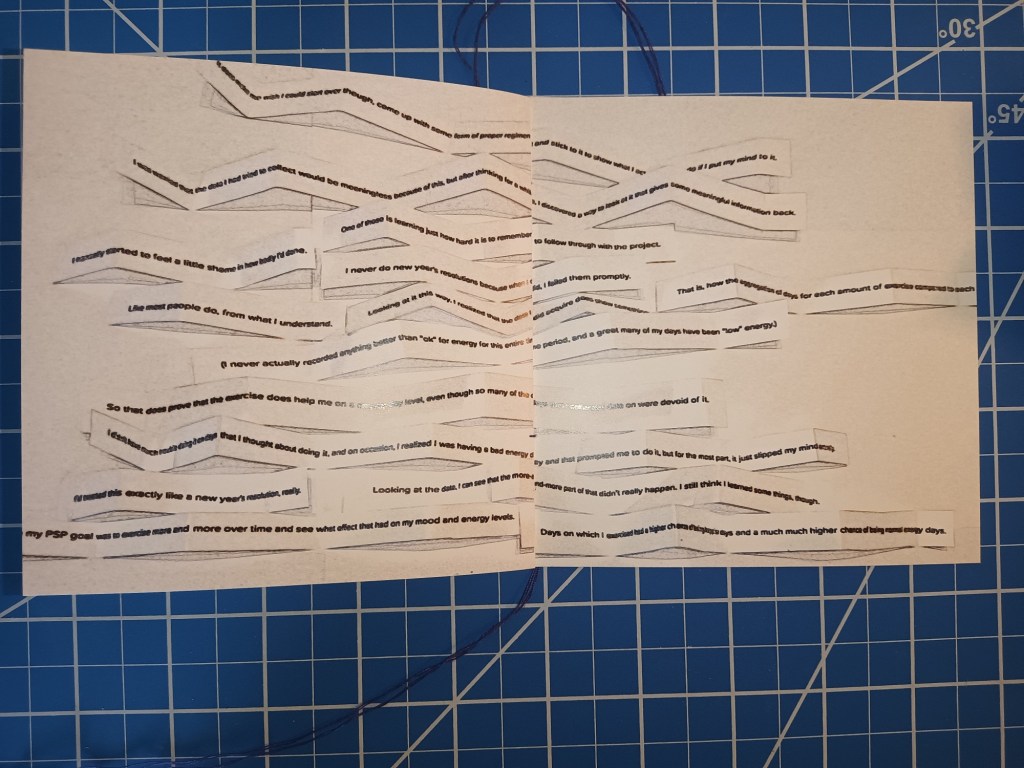
This self-made, 12-page, hand-stitched book is the record of an 8-week self-improvement project (which I did very poorly at). Each page shows the report of the project through a different lens, where the text has been manipulated to show the emotion or meaning behind the words. These manipulations were carried out using both digital and physical processes.

Tools Used: InDesign, camera, desk tools

Travel Poster

Illustration

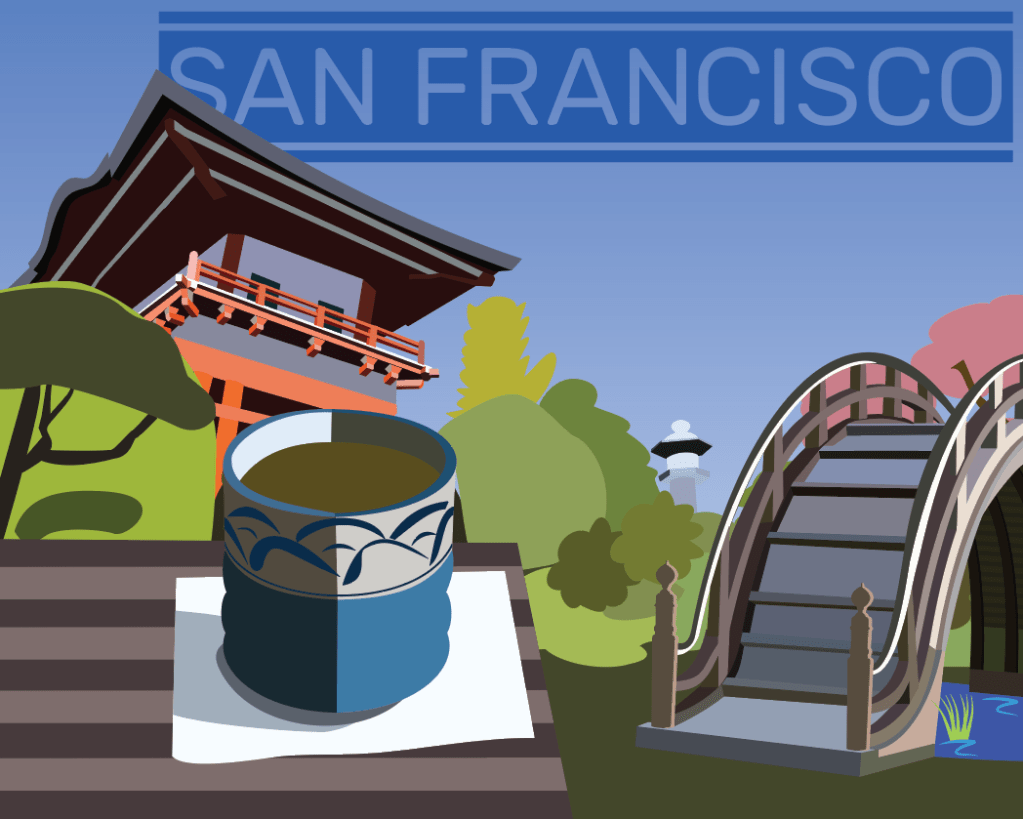
This project started by choosing one of a few cities as a travel destination and then researching the sights and places of that city. This solution used the Japanese Tea Garden in San Francisco’s Golden Gate Park; a variety of assets were created and then combined to communicate this view of the city.

Tools Used: Illustrator

Magazine Layout

Layout

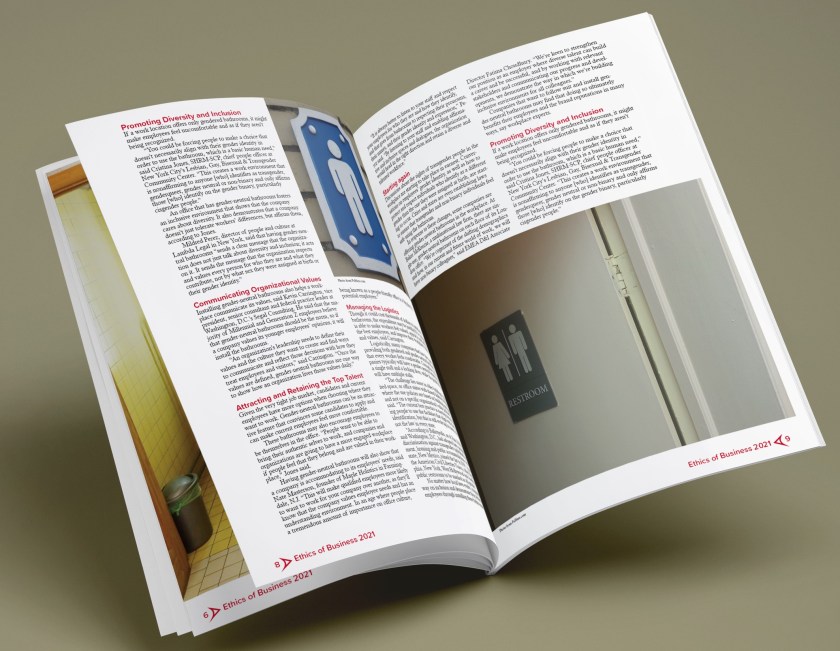
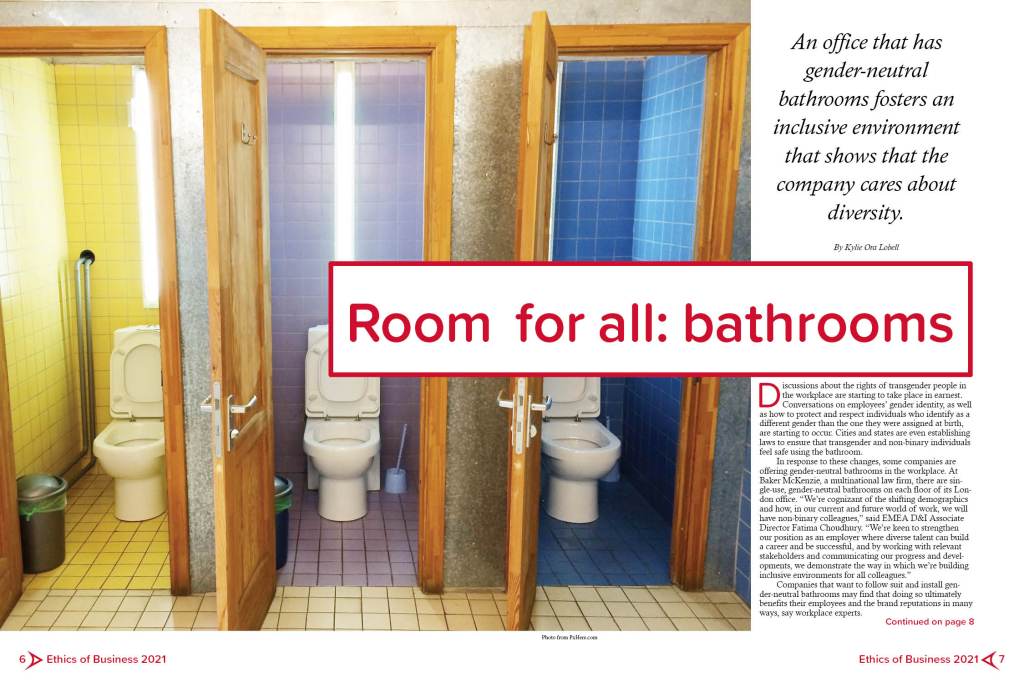
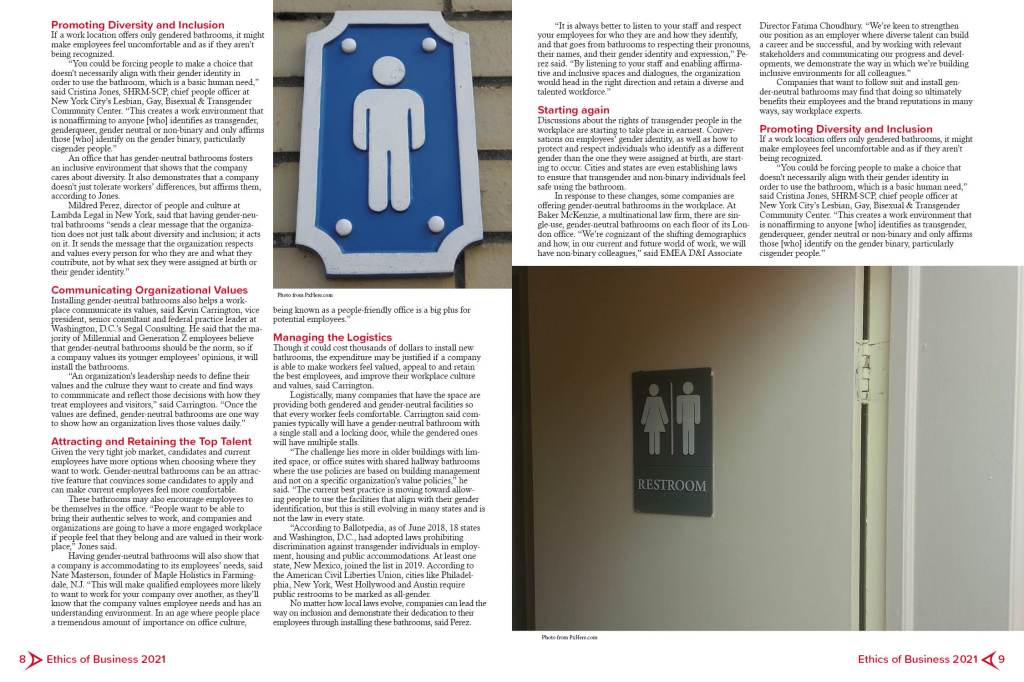
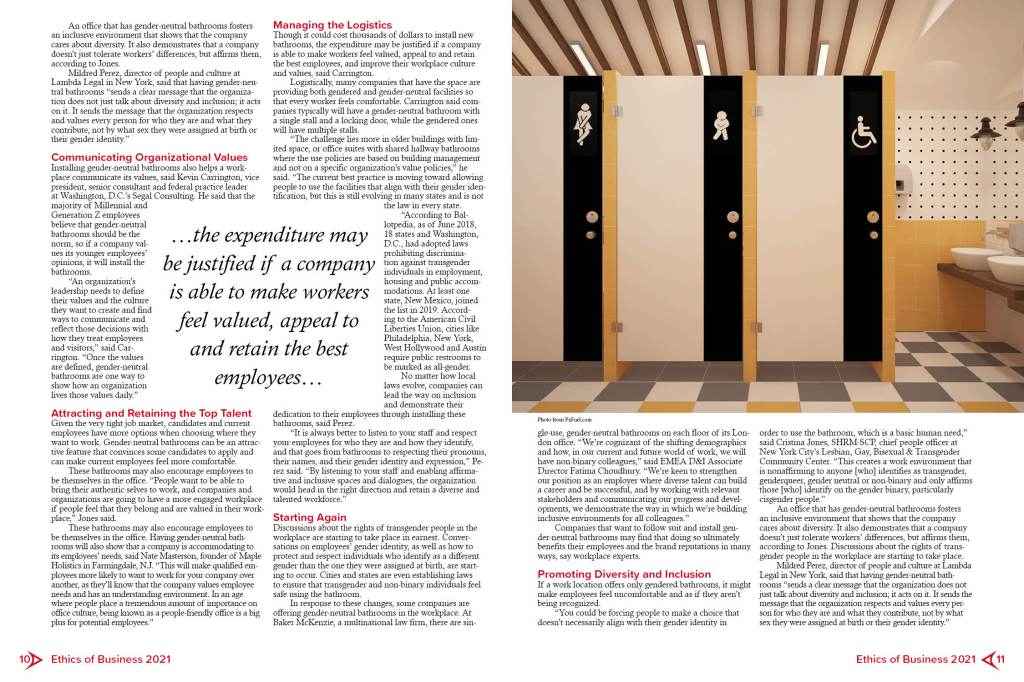
The assignment here was to create a six-page magazine article layout using the text of an article from the internet. Title, headings, pull quotes, image placement, image captions, byline, and folio were all created for this project—after starting with a creative brief, wireframes, and other preliminary materials.

Tools Used: InDesign

Passion + Intent Package

Layout

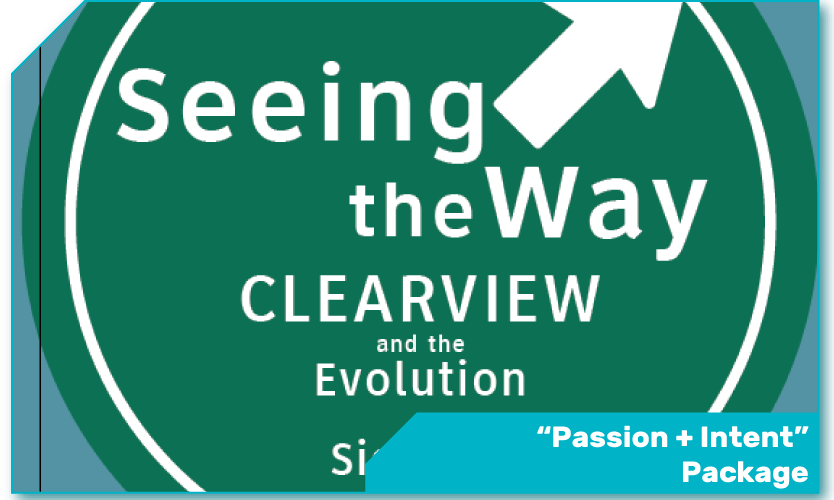
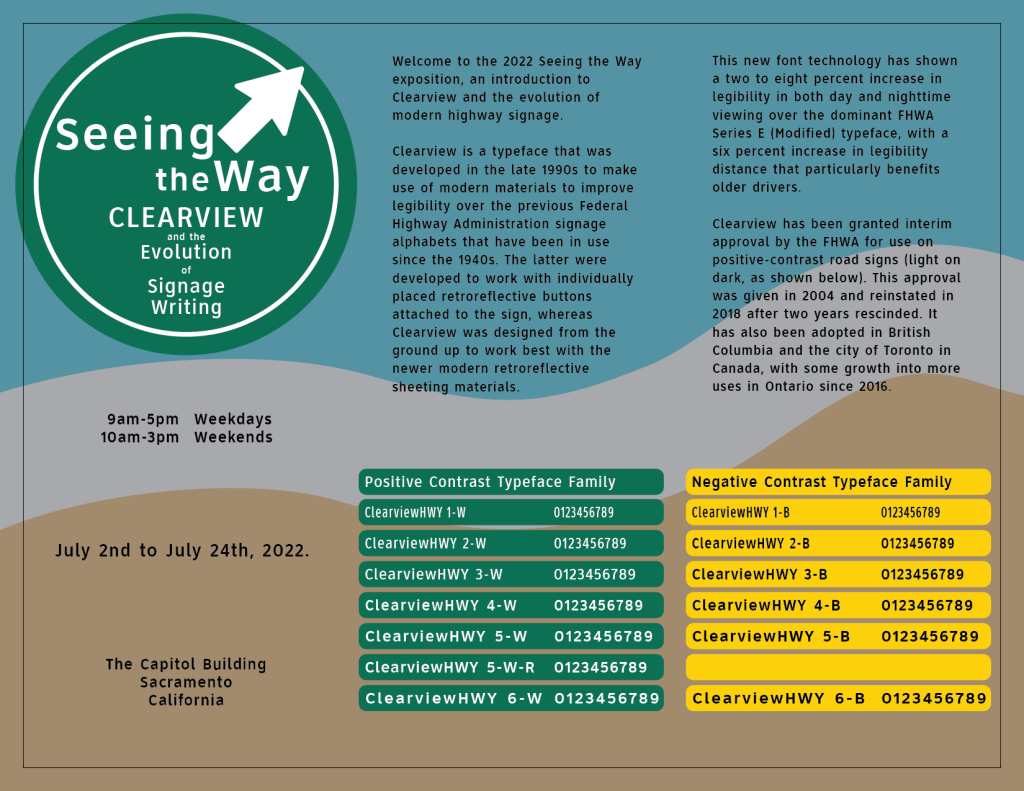
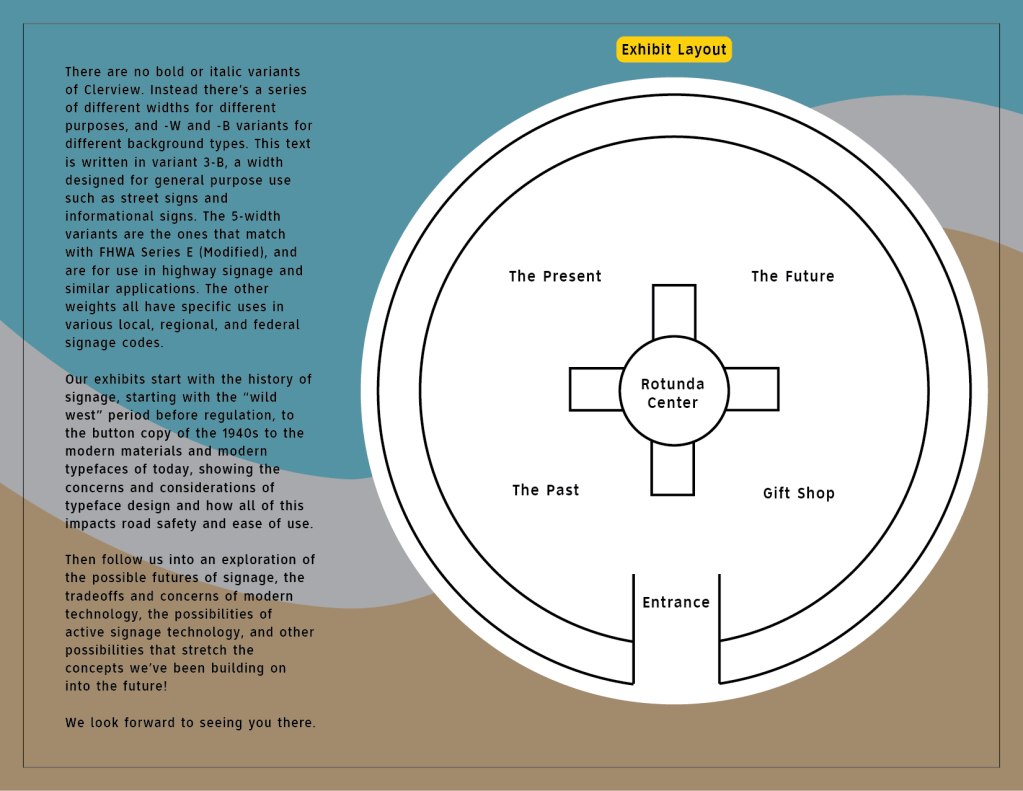
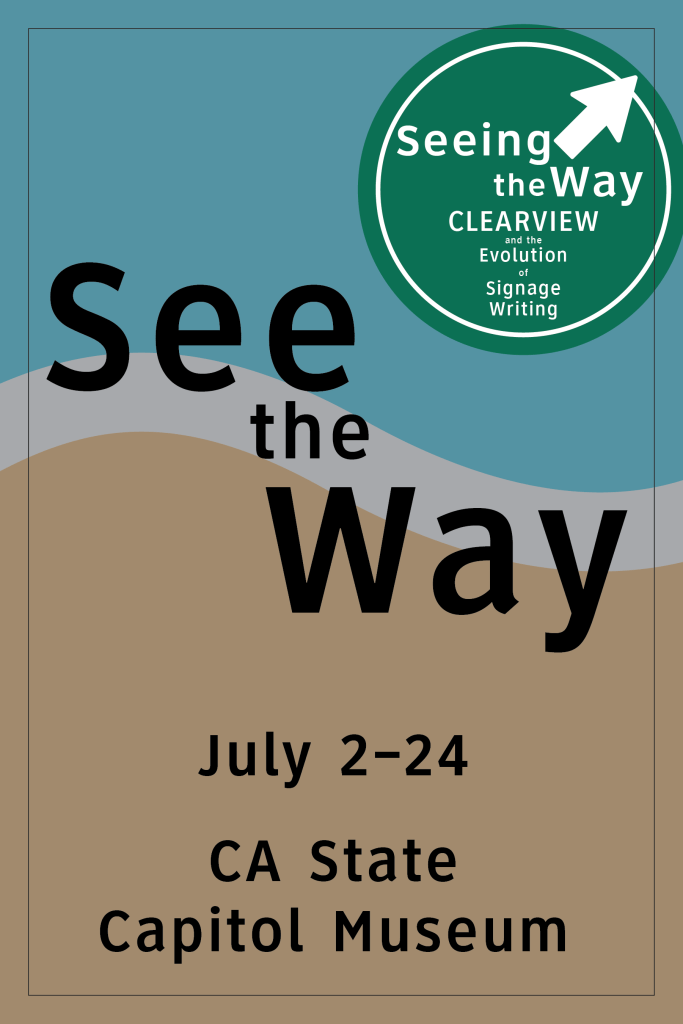
This project was to design collateral for a faux museum exhibition on a typeface of our choosing. The typeface in question, Clearview, was a contender for highway signage in the US and other countries, especially in the early 2000s. The project includes a trifold educational brochure as well as several different pieces of advertising material.
Tools Used: Illustrator

Rebranding Project

Branding

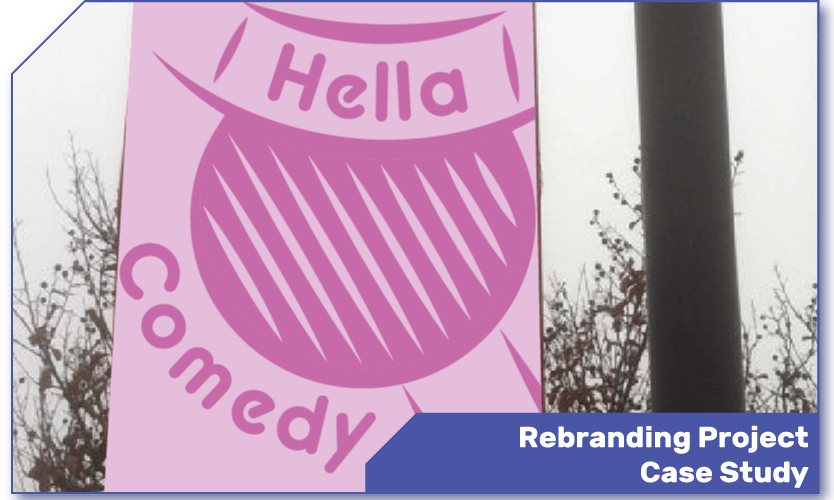
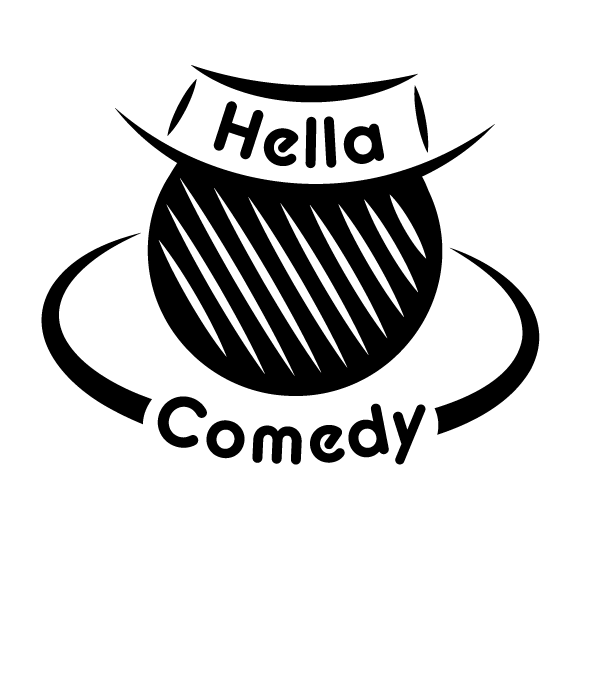
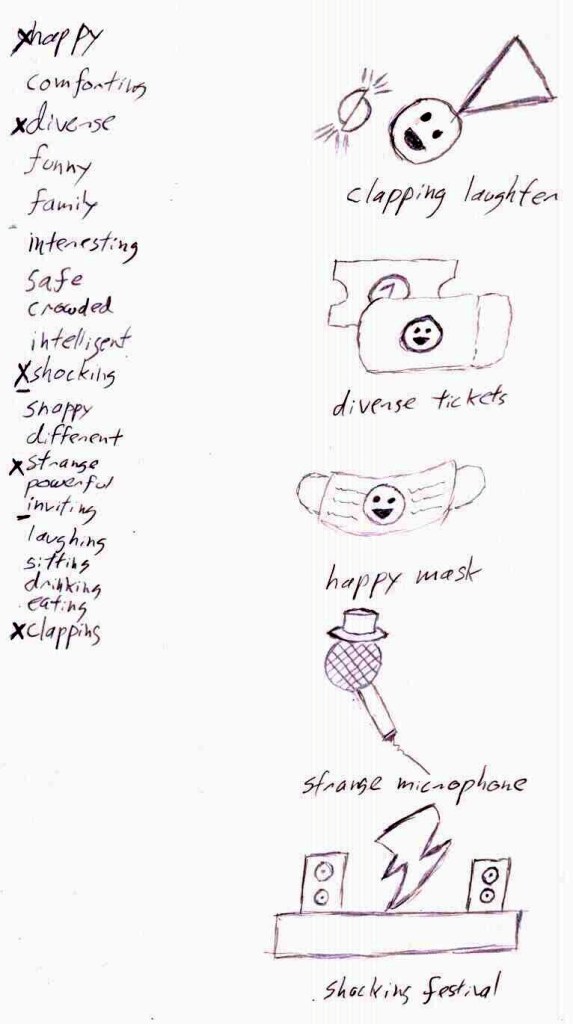
This project started with the goal of mock-rebranding the Sacramento Comedy Festival. We started with research on Sacramento and similar comedy events and then produced concept sketches before creating a digital version. After that we had to justify all of our design decisions, showing the units of space and angle that we chose for each element. The project also includes a two-sided event card and mock-up pole banners for the event.
Collateral created using the logo.

Logo dissection.

Original sketch sheet.

Tools Used: Illustrator

Typographic Poster

Typographic

This project asks you to create something visual using nothing but the written word. Thus this self-written poster blends together different layers of text to weave together meaning and lend depth to certain phrases. The front and back layers actually come from different poems written at different times, but they flow together nicely here.
Tools used: InDesign